


Articles
Heat Pump Thermostat Wiring In 6 Steps (Step-By-Step Guide)
Heat pump thermostat wiring follows a clear six-step process, but it is more involved than wiring a standard thermostat because a heat pump uses extra terminals for the reversing valve and auxiliary heat. Getting the connections right matters, since a miswired thermostat can leave you with no heat, no cooling, or a system running in the wrong mode. This guide walks through the steps, explains the terminals that make heat pumps different, and is clear about when the job is better left to a pro. Use it to understand the process for your Shoreview home, whether you do it yourself or want to know what is involved.
- Understand the terminals: The extra connections heat pumps require.
- Follow the steps: Work through wiring safely, in order.
- Know your limits: When to call a professional instead.
Before You Begin: Safety and Heat Pump Terminals
Heat pump thermostat wiring starts with safety and a clear understanding of the terminals, because heat pumps use connections conventional furnaces do not. A few minutes of preparation prevents mistakes and protects your equipment.
What Makes Heat Pump Wiring Different
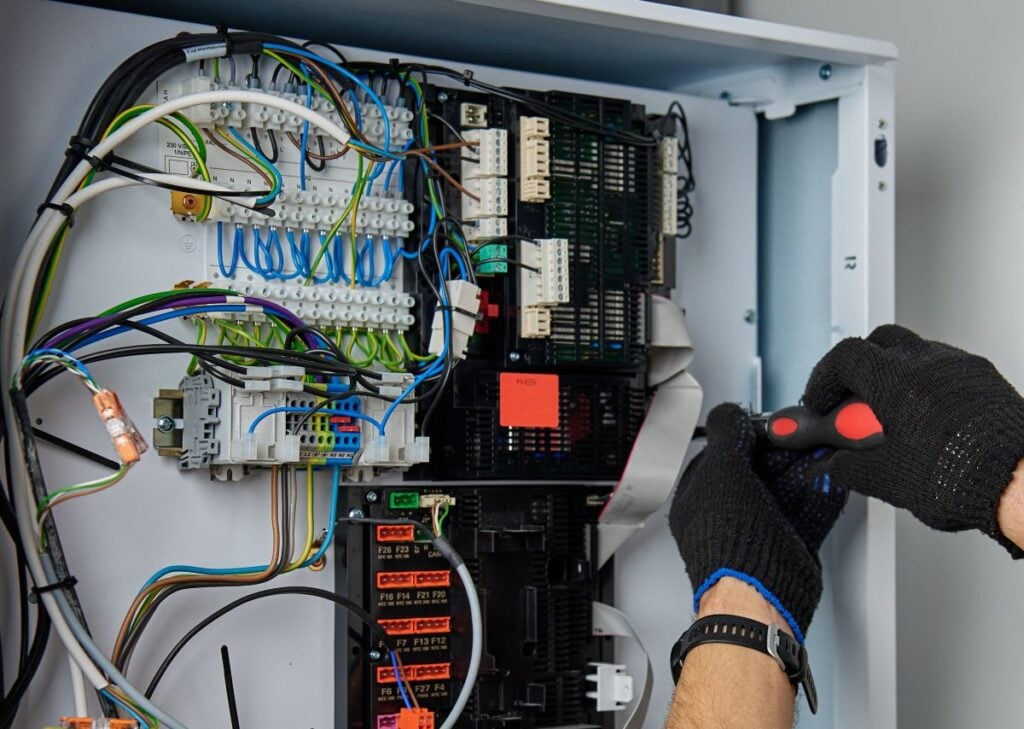
A heat pump thermostat uses more terminals than a conventional system because it must control a reversing valve and auxiliary heat on top of basic heating and cooling. The key terminals are R for power, C for the common wire, Y for the compressor, and G for the fan, plus the ones unique to heat pumps: O/B controls the reversing valve that switches between heating and cooling, while AUX or W2 runs backup heat and E runs emergency heat. The O versus B distinction matters, since most brands energize O in cooling but some energize B in heating. Identifying every wire correctly before you disconnect anything is the foundation of the job.
- Standard terminals: R, C, Y, and G handle power, fan, and compressor.
- Reversing valve: O or B switches between heating and cooling.
- Backup heat: AUX, W2, and E control auxiliary and emergency heat.
- Know your brand: O versus B settings vary by manufacturer.
6 Steps for Heat Pump Thermostat Wiring
Each step below builds on the last, from cutting power to testing every mode. Work through them in order, and stop any time you feel unsure.
1. Turn Off Power to the System
Before touching any wires, cut power to your heat pump completely at the breaker for both the indoor air handler and the outdoor unit. Even though thermostat wiring is low-voltage, the system can still be damaged by a short, and your safety comes first. Switch off the breakers serving the HVAC equipment, then confirm the system is dead by trying to turn it on at the old thermostat. Never begin wiring on a live system, no matter how simple the task seems.
- Breakers off: Cut power to both indoor and outdoor units.
- Confirm it is dead: Verify at the old thermostat before starting.
- Non-negotiable: Always de-energize before touching wires.
2. Photograph and Label the Existing Wires
Before disconnecting anything, take a clear photo of the current wiring and label each wire with its terminal letter. This record is your safety net, letting you restore the original setup if anything goes wrong. Wrap tape around each wire and write the terminal letter it connects to, since wire colors are not standardized and cannot be trusted to match their function. Pay special attention to the O/B and auxiliary heat wires, which are most often confused. A careful record here prevents the most common mistakes.
- Take a photo: Capture the existing connections before changes.
- Label every wire: Tape and mark each with its terminal letter.
- Do not trust color: Wire colors are not standardized.
3. Remove the Old Thermostat
With the wires labeled, gently disconnect them one at a time and remove the old thermostat base from the wall. Loosen each terminal screw and free the wire, taking care not to let the bundle slip back into the wall. Many installers wrap the bundle around a pencil or clip it to keep it from retreating into the wall cavity. Once all wires are free, unscrew the old base and set it aside, leaving the labeled wires accessible for the new thermostat.
- Disconnect gently: Free one wire at a time.
- Secure the bundle: Keep wires from slipping into the wall.
- Set aside the base: Leave labeled wires ready to connect.
4. Connect Wires to the New Thermostat
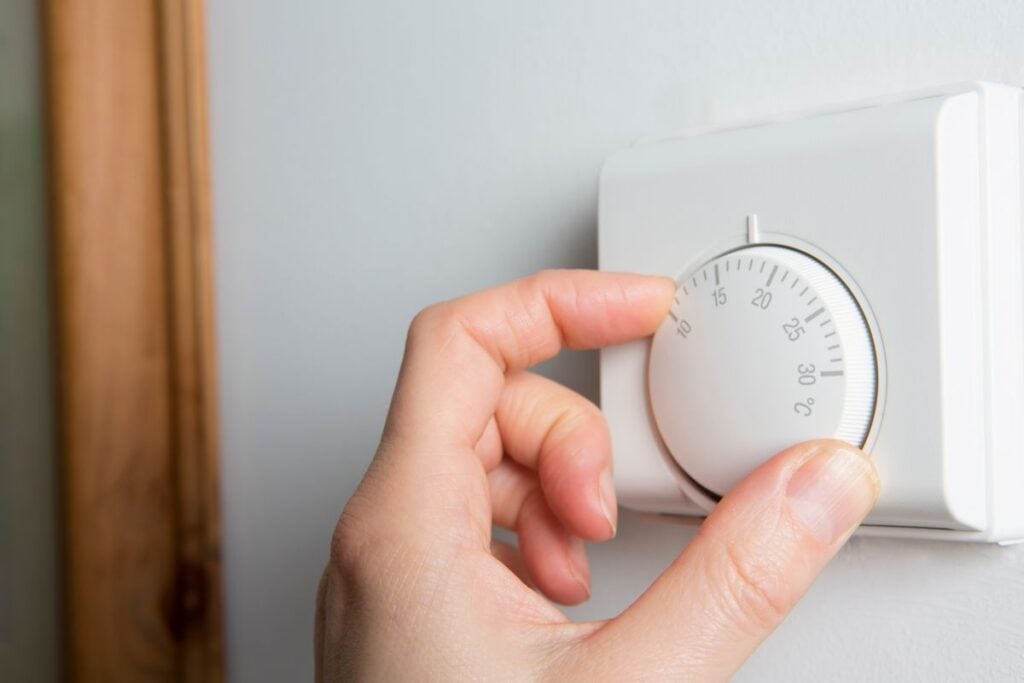
Mount the new thermostat base and connect each labeled wire to its matching terminal, using your photo as the guide. Match R to R, C to C, Y to Y, G to G, and the O/B wire to the O/B terminal, then connect any auxiliary or emergency heat wires. The C-wire is especially important for modern smart thermostats, since it provides constant power. According to ENERGY STAR, only smart thermostats that earn the label are independently certified, based on actual field data, to deliver energy savings, and most receive power through a C-wire.
- Match every terminal: Connect each wire to its labeled terminal.
- Mind the C-wire: Smart thermostats need it for constant power.
- Secure the connections: Tighten each wire firmly in place.
5. Configure the Thermostat for a Heat Pump
After the wiring is connected, the thermostat must be set up in its menu to operate as a heat pump rather than a conventional system. During setup, select heat pump as the system type, then set the reversing valve to O or B to match how your system energizes it, the single most important configuration choice. Set it incorrectly and your heat pump will run in the opposite mode, blowing cold air when you call for heat. Follow the setup prompts carefully and consult the manual for the correct heat pump settings.
- Select heat pump: Set the system type during configuration.
- Set O or B: Match the reversing valve to your system.
- Check the manual: Follow the thermostat’s heat pump prompts.
6. Restore Power and Test Every Mode
With everything wired and configured, restore power at the breakers and test heating, cooling, and auxiliary or emergency heat to confirm each works. Set the thermostat to cool and verify cold air, then to heat and verify warm air, giving the system a minute to respond each time. Also test emergency heat if your system has it. If any mode runs backward, shut the system off and recheck your O/B setting and connections. Proper testing confirms the job is done right before you rely on it.
- Test cooling and heating: Confirm each mode runs correctly.
- Check backup heat: Verify auxiliary and emergency heat work.
- Wrong mode? Recheck: Backward operation points to the O/B setting.
Frequently Asked Questions
Homeowners tackling heat pump thermostat wiring ask these most often. Short answers follow.
What is the O/B terminal on a heat pump thermostat?
The O/B terminal controls the reversing valve, which switches a heat pump between heating and cooling. Most brands energize the O terminal in cooling, while some, like Rheem and Ruud, energize B in heating. Setting this correctly in the thermostat menu is essential, or the system runs in the wrong mode.
Do I need a C-wire for a heat pump thermostat?
Most modern and smart thermostats need a C-wire for constant power, though some older or battery-powered models do not. If your system lacks a C-wire, an adapter kit can often provide one. Check your thermostat’s requirements before installing.
Can I wire a heat pump thermostat myself?
A confident DIYer can wire a basic heat pump thermostat by carefully labeling wires and following the steps, but heat pump wiring is more complex than a standard thermostat. Multi-stage, variable-speed, or dual-fuel systems, and any uncertainty about the O/B or auxiliary heat wiring, are good reasons to call a professional.
Why is my heat pump blowing cold air when set to heat?
The most common cause is an incorrect O/B reversing valve setting in the thermostat, which makes the system run in cooling when you call for heat. Double-check that the reversing valve is configured to match your system. If it is correct and the problem continues, call a technician.
When Wiring Gets Complicated, We Are Here to Help
Heat pump thermostat wiring is manageable for a careful DIYer on a simple system, but between the reversing valve, auxiliary heat, and the ways a multi-stage or dual-fuel setup complicates things, plenty of homeowners would rather have it done right the first time. Hoffman Cooling & Heating has installed and serviced Minnesota heat pumps for 75 years, carrying Minnesota Mechanical Contractor Bond MB005011 and a 4.8 star average across roughly 2,500 Google reviews from Shoreview and across the Twin Cities. Our technicians handle the wiring, configuration, and testing in one visit, and make sure your system runs in the right mode every season, with no jargon and no pressure. When a thermostat install turns trickier than expected, reach out to Hoffman and we will make sure it is wired right.